How to upgrade or uninstall the app#
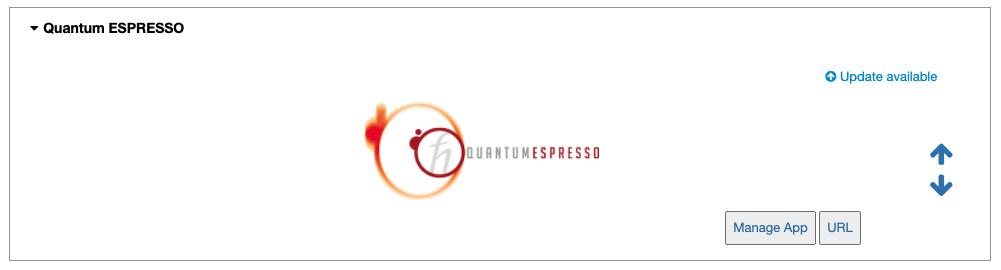
On the home page, apps with available updates will state “Update available” in blue at their top right corner. Otherwise, it will read “Latest version” in green. If desired, upgrading the Quantum ESPRESSO app can be achieved via the App Manager tool or the built-in terminal. Uninstalling the app may be done using the same tools. See the following tabs for more information.
Click on the Manage App button to open the app manager.
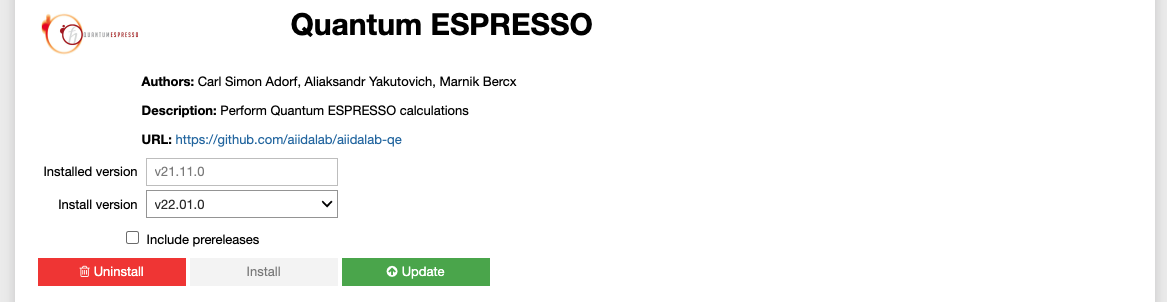
A green Update button indicates that a newer version is available. Click it to upgrade the app. Alternatively, you may choose to uninstall the app by clicking on the red Uninstall button.
Note
By default, the app will be upgraded to the latest available version. Alternatively, you can select any available version including versions lower than the currently installed one.
$ aiidalab install quantum-espresso
This will install the most recent version of an app, regardless of whether it is already installed or not. You will be prompted to confirm the operation.
$ aiidalab install quantum-espresso==v22.01.0
$ aiidalab uninstall quantum-espresso
Again, you will be prompted to confirm the operation.